
How Telemedicine Works
Follow these simple steps to connect with PA Diana or Dr. Chiritescu for your virtual appointment.
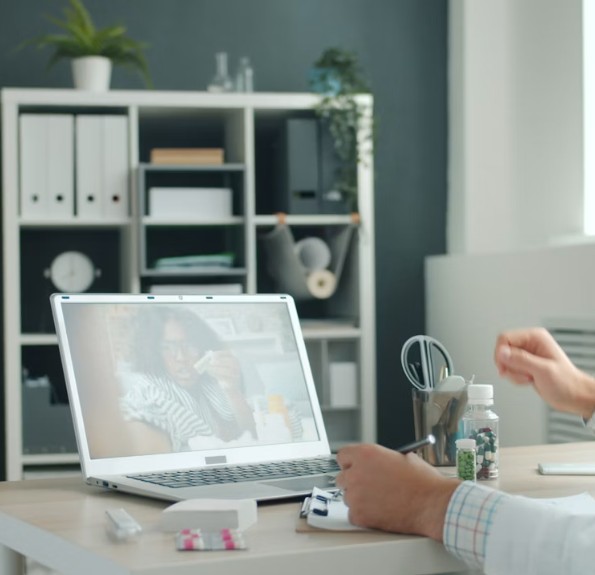

Step One: Schedule Your Appointment
Call 919-367-3625 to book a convenient time for your telemedicine visit.

Step Two: Prepare for Your Appointment
Prepare for your dermatology telemedicine visit by scrolling down for detailed instructions and reviewing the checklist.
If you are a new patient, please make sure you have filled out and sent in your new patient paperwork.

Step Three: Join Your Consultation
Access the secure virtual link provided to start your video consultation seamlessly.
Discuss your concerns directly and get personalized treatment plans.
For Accutane (Isotretinoin) Follow-Up Telemedicine Visits
If you are taking Accutane (isotretinoin), please complete the following before your telemedicine appointment:
- Pregnancy test: Patients who are required to have monthly pregnancy testing should complete their pregnancy test before the appointment. Your test must be negative to continue treatment, in accordance with the iPLEDGE® program requirements.
- Upload your results: If instructed by our office, upload clear photos of your pregnancy test with the date, your name, and your signature.
- Know your weight: Please have your current weight available, as your provider may use it to guide dosing.
- Have your medication information ready: Be prepared to discuss your current dose, any missed doses, and any side effects such as dry skin, dry lips, headaches, mood changes, or muscle/joint aches.
- Complete any required iPLEDGE tasks: Make sure you have completed any patient requirements applicable to you before your prescription can be processed.
Important: If your pregnancy test is positive or you think you may be pregnant, do not take Accutane (isotretinoin). Contact our office immediately for further instructions.
For All Other Dermatology Telemedicine Appointments
To help your provider evaluate your skin concern, please complete the following before your visit:
1) Take Clear Photos of the Affected Area
Please upload your photos before your appointment if requested.
Tips for taking good photos:
- Use natural light or a bright, well-lit room. Avoid dim lighting.
- Make sure the image is in focus (not blurry).
- Take 3 types of photos:
- Far away: Shows where the rash or spot is located on your body.
- Medium distance: Shows the affected area more closely.
- Close-up: Shows the skin detail. Tap your screen to focus before taking the picture.
- Include a coin or ruler next to the lesion if possible to show its size.
- Take photos from more than one angle if the area is raised or uneven.
- Avoid using filters or editing the images.
2) Before Your Visit
- Remove any makeup, nail polish, bandages, or heavy creams from the area (unless your provider instructed otherwise).
- Wear clothing that allows easy access to the area being examined.
- Have a list of your current medications and any skin products you are using.
- Be prepared to describe:
- When the problem started
- Any itching, pain, bleeding, or drainage
- Treatments you’ve already tried
- Any recent changes or triggers
3) Prepare Your Device
- Join your visit from a quiet, private location.
- Test your camera, microphone, and internet connection before your appointment.
- Ensure you have good lighting so your provider can see your skin clearly during the video visit.
Note: Some skin conditions cannot be fully evaluated by video alone. If your provider determines that an in-person examination, procedure, or biopsy is needed, they will discuss the next steps with you during your visit.